Food & Beverage

Tickets that know which car they belong to.

Square's Drive-Thru mode puts each car's color and type on the ticket, a customer-facing screen lets drivers confirm the order and Square Handheld takes orders in the lane — with Payaroo helping you set it up.

Get started

Square, made easier with Payaroo.

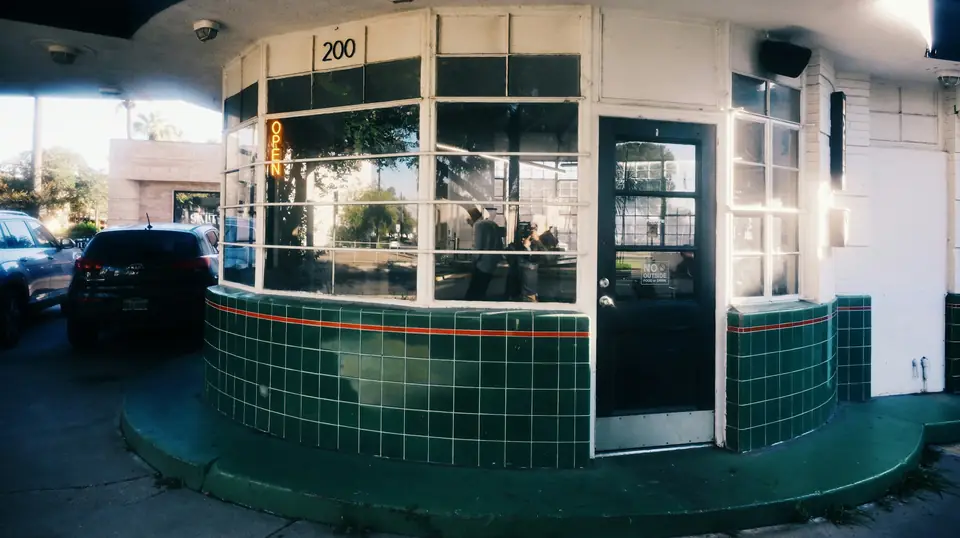
Cars waiting beside a small drive-thru coffee building

What your drive-thru needs

The window sets the pace.

A drive-thru runs on car lengths. One wrong bag at the window stalls every car behind it, and the kitchen can't see the lane — only a stack of tickets that don't say which car is which.

What helps is simple: tickets that describe the car, a screen where the driver checks the order before paying, a way to start cooking while the order is still being built and a second order-taker walking the lane when it wraps around the building.

Which car is this?

Bags stack up at the window and nobody can tell which order belongs to which car.

How Square helps Drive-Thru mode adds a drive-thru order type and records each vehicle's color and type on the ticket and the kitchen display. Lane orders get their own tab in Order Manager.

Drive-Thru mode Square KDS (kitchen display)

Cooking starts too late

The grill can't start on the burgers until the driver finishes deciding on dessert.

How Square helps Send & Stay fires items to the kitchen as they're entered while staff keep building the order, and Square KDS routes each one to its station. Square lists Send & Stay for Square Premium with advanced restaurant capabilities.

Kitchen ticket routing Square KDS (kitchen display)

Mistakes found at the window

A wrong order caught at pickup means pulling the car forward, remaking food and slowing the whole lane.

How Square helps Square Register's customer-facing screen shows the driver each item and the total at the pay window, so mistakes get fixed before the car reaches pickup.

Square Register

When the lane wraps around

At peak, cars back up past the menu board and wait just to be heard at the speaker.

How Square helps Staff with Square Handheld walk the lane, take orders and card payments car by car and send them to the kitchen before those cars reach the speaker.

Square Handheld Tap, chip and swipe

How Payaroo helps

Square, made easier with Payaroo.

Tell us how your business works. We'll help you understand the Square tools that fit.

  1. Tell us how you work Where you take payments, how customers book or order, who's on your team.
  2. See the setup that fits We map the Square hardware, software and payment options to your day — and skip what you don't need.
  3. Apply with Square Square reviews every application and verifies your identity and business before approving an account.
  4. Get up and running Help with setup and onboarding, and a real person to call at Payaroo when questions come up.

Core capabilities

What Square can do for your drive-thru

Tickets that describe the car

Choose the drive-thru order type and record the car's color and type, and that description rides along on the printed ticket and the kitchen display. Drive-Thru mode needs Square Premium.

Start cooking sooner

With Send & Stay, items reach the kitchen as they're entered while the order stays open, and Square KDS puts each one on the right station's screen. Send & Stay is listed for Square Premium with advanced restaurant capabilities; KDS is a per-device add-on on a paid plan.

Pull sold-out items everywhere

Mark an item sold out once and it disappears from the register, your ordering page and the delivery apps, so nobody at the speaker promises a shake the kitchen can't make.

Order-ahead pickups

Regulars order from your ordering page and choose a pickup time, and you set the lead time and how many orders each time window can take so pickups don't clog the lane.

Speed of service, measured

Kitchen performance reports show ticket counts and average completion times, and the labor-vs-sales report compares hourly labor cost with net sales, so you can see how the 7 a.m. push went and staff for it. Both reports come with paid plans.

Hardware options

Hardware that fits a drive-thru

You don't need every device. Start with what matches where you take payments — and add more later.

Hardware

Square Register

A countertop point of sale with two touchscreens: one for your team and one that faces the customer.

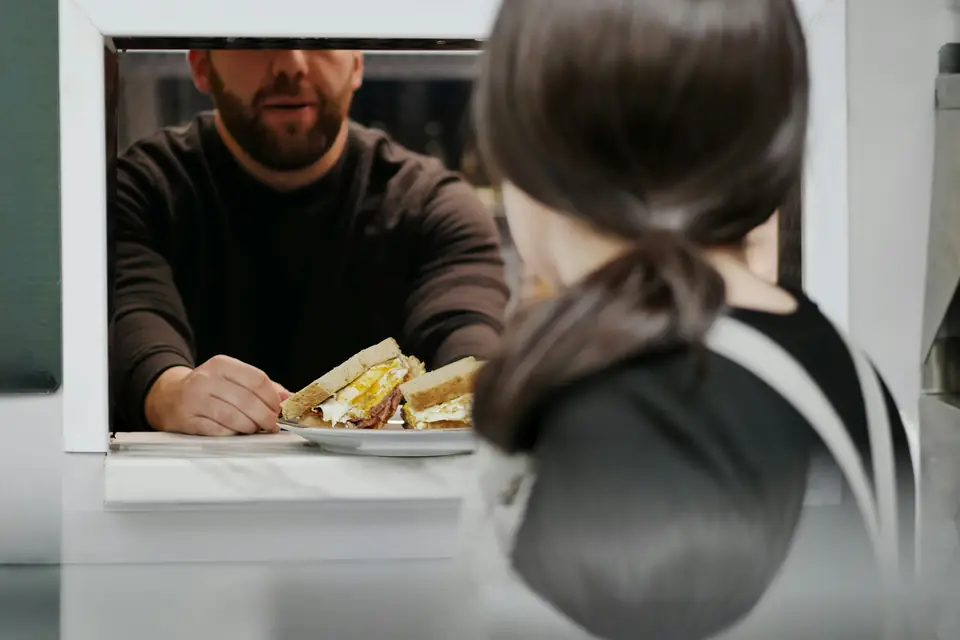
At the pay window, drivers see the order on the customer-facing screen and tap without handing a card back and forth.

  • Takes tap and chip payments; add the magstripe reader if you still swipe
  • Customer-facing screen for tips, order confirmation and receipts
  • Runs on its own — no tablet needed
Hardware

Square Handheld

A pocket-sized point of sale with a built-in barcode scanner and camera.

For peak times in the lane: take the order and the payment at the car window, then send it to the kitchen.

  • Takes tap and chip payments anywhere on your floor
  • Built-in scanner for ringing up and counting items
  • Prints to a network receipt or kitchen printer over Wi-Fi
Hardware

Square KDS (kitchen display)

A kitchen display app that replaces paper tickets and sends each order to the right prep station.

Kitchen screens that show each car's description next to its items, with a timer on every ticket.

  • Runs on Android tablets or Square's kitchen touchscreens
  • Pulls in orders from the POS, online ordering and delivery apps
  • Prep and expo stations, timers and kitchen performance reports
Accessory

Receipt and kitchen printers

Compatible third-party printers for customer receipts and kitchen or bar tickets.

A receipt printer at the window, and kitchen ticket printers if you run on paper instead of screens.

  • Countertop receipt printers, kitchen impact printers and mobile Bluetooth printers
  • Connect by USB, Ethernet, Wi-Fi or Bluetooth depending on the model

Software and tools

The software side of your drive-thru

How it works

A morning in the lane

One realistic day at a drive-thru, with the setup above doing the work.

  1. The lane fills By 6:45 the line reaches the street, so a second team member takes a Handheld out to the cars at the back.
  2. Tag the car At the speaker, the order-taker picks the drive-thru order type, records a blue hatchback and rings up two breakfast burritos and a large coffee.
  3. Fire while talking With Send & Stay, the burritos hit the kitchen screen as soon as they're keyed in, while the driver adds a hash brown.
  4. Check and pay At the pay window, the driver checks the order on the Register's customer-facing screen and taps a phone to pay.
  5. Right bag, right car The kitchen display shows 'blue hatchback' on the ticket, so the bag goes to the right car at the pickup window.
  6. Look back After the rush, kitchen performance and labor-vs-sales reports show where the lane slowed and whether the crew matched it.

Setup finder

Let's find the right setup.

Answer a few quick questions about your drive-thru. We'll stop as soon as we can point you to a useful starting setup.

Not sure what you need? Ask Buckaroo.

Tell Buckaroo how your business works and he'll help you figure out which Square tools make sense.

Get started

FAQs

Drive-Thru: common questions

What Square hardware works for a drive-thru?

A common setup puts Square Register at the pay window so drivers can confirm the order on its customer-facing screen, adds Square KDS in the kitchen and keeps a Square Handheld or two for taking orders in the lane at peak. KDS needs a paid Square plan plus a per-device add-on, and restaurant modes run on Square hardware or an iPad, not on phones.

Does Square have a drive-thru mode?

Yes. Drive-Thru mode adds a drive-thru order type and records each vehicle's color and type on tickets and the kitchen display. It also adds a drive-thru tab in Order Manager, so lane orders stay separate from counter and online orders. Square lists it for Square Premium.

Can the kitchen start before the order is finished?

That's what Square's Send & Stay is for: items fire to the kitchen as they're entered while staff keep building the order. Square lists Send & Stay for Square Premium with advanced restaurant capabilities, so check your plan before counting on it.

What if the internet goes out during the morning rush?

Square hardware such as Register and Handheld can keep accepting tap and chip cards offline and process them once the connection returns. Square recommends reconnecting within 24 hours, and you're responsible for offline payments that end up declined, expired or disputed. Gift cards and Tap to Pay on a phone don't work offline.

How much does Square cost for a drive-thru?

Square sets its own pricing, and it can change. Square Free has no monthly subscription (you pay processing fees), but the drive-thru pieces sit on higher plans: Drive-Thru mode and Send & Stay are listed for Square Premium, and Square KDS needs a paid plan plus a per-device add-on. See Square's pricing page for current numbers; we can help you decide whether your lane needs Premium.

How do we get started?

Tell us how your lane runs — one window or two, how long the line gets and whether anyone takes orders on foot — and we'll outline a setup. You'll apply with Square, which reviews applications and verifies your identity and business before approving an account. After approval, Payaroo helps you set up the drive-thru order type, tickets and hardware.

Ready to set up your lane?

Tell us how your windows and kitchen work, and we'll help you put together the Square setup that fits.

Square reviews and approves every account. Call Payaroo at 972-431-0439.

Square is a product of Block, Inc. Square, the Square logo and related marks are trademarks of Block, Inc. and/or its subsidiaries. Payaroo is an independent company. Payaroo is not Square or Block, and nothing on this page describes a partnership, reseller relationship, certification or endorsement.

Square product details on this page were checked against Square's website on September 25, 2026. Square sets its own features, plans, pricing, fees, eligibility and hardware availability, and these can change. Confirm current details on Square's website before you sign up. Square pricing · Square fees

Square reviews every account application, including identity and business verification, and decides whether to approve it. Payaroo can't guarantee approval, pricing, processing terms or the availability of any feature.

Products and services displayed by Payaroo may be provided by independent third-party companies. Product availability, pricing, features, eligibility, underwriting requirements, funding amounts, insurance benefits, payment-processing terms, and other conditions vary by provider and customer. Payaroo is not a bank, lender, insurer, or healthcare provider unless expressly stated otherwise. Review the applicable provider agreements and disclosures before enrolling in or accepting any product or service. See our Disclosures, Terms of Use and Privacy Policy.